Set your brand
Add your colours, fonts and logo once. Every deck you make carries them.
Available
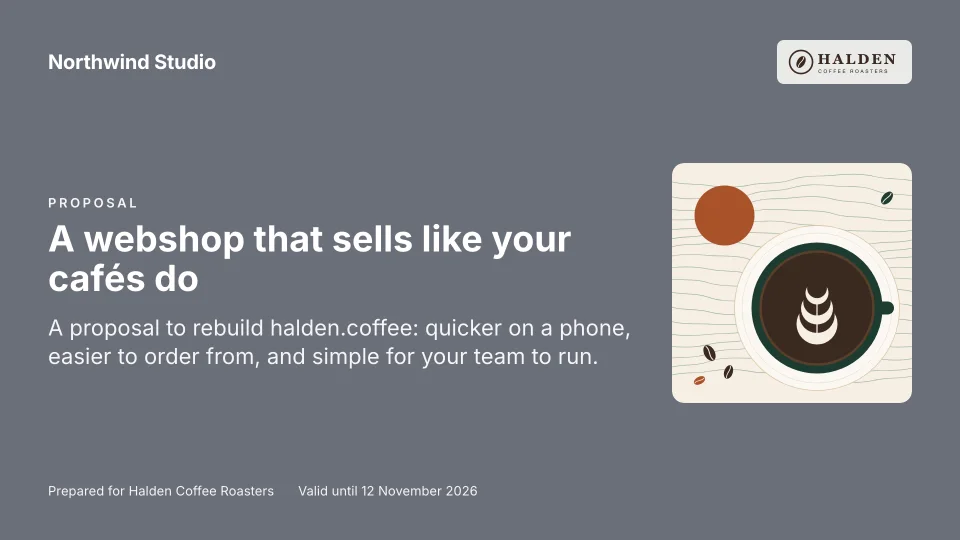
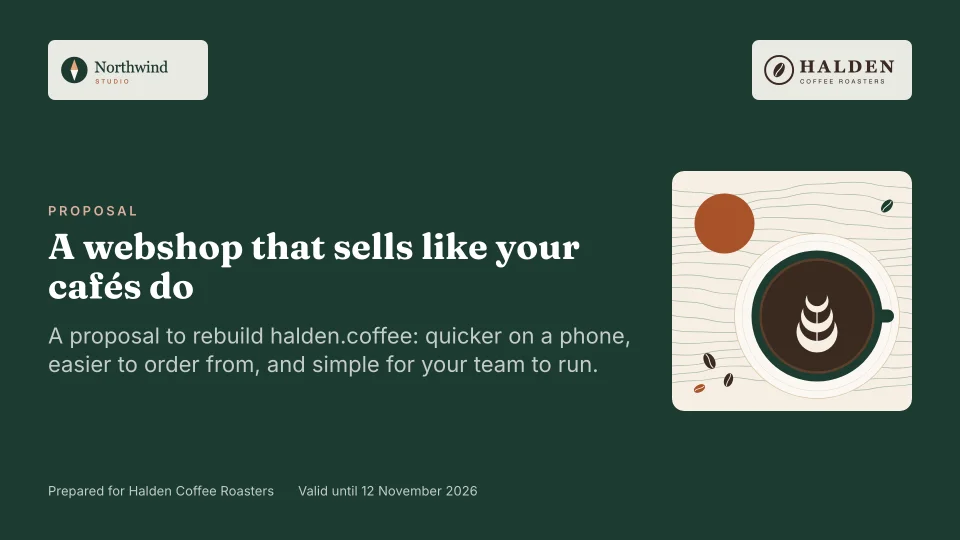
Turn your price list, cases and story into a branded slide deck your client can choose from, and sign.
How it works
Five steps, from the brand you set up once to knowing your client has read the deck. Some are live today; the badges say which.
Add your colours, fonts and logo once. Every deck you make carries them.
Once, or from your website. Every proposal picks from your price list, and the totals are calculated for you.
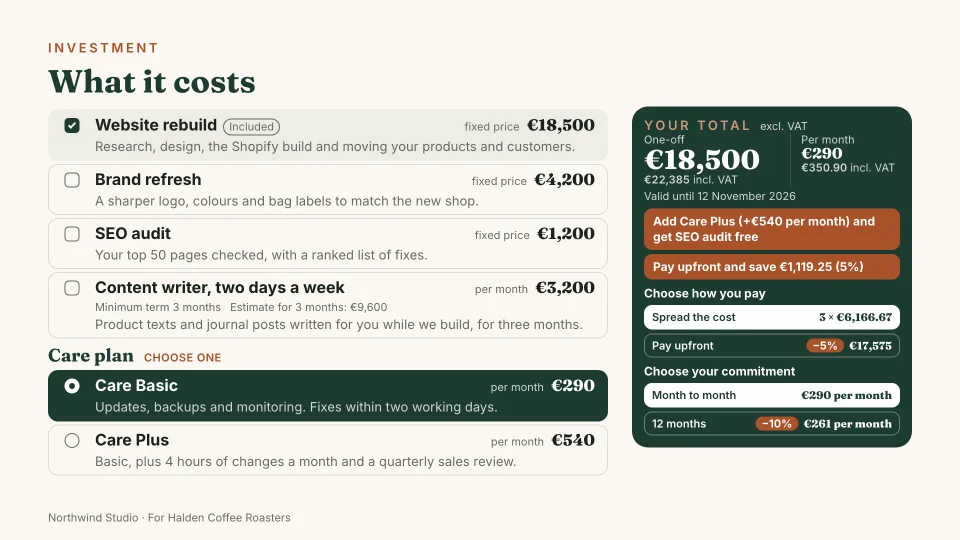
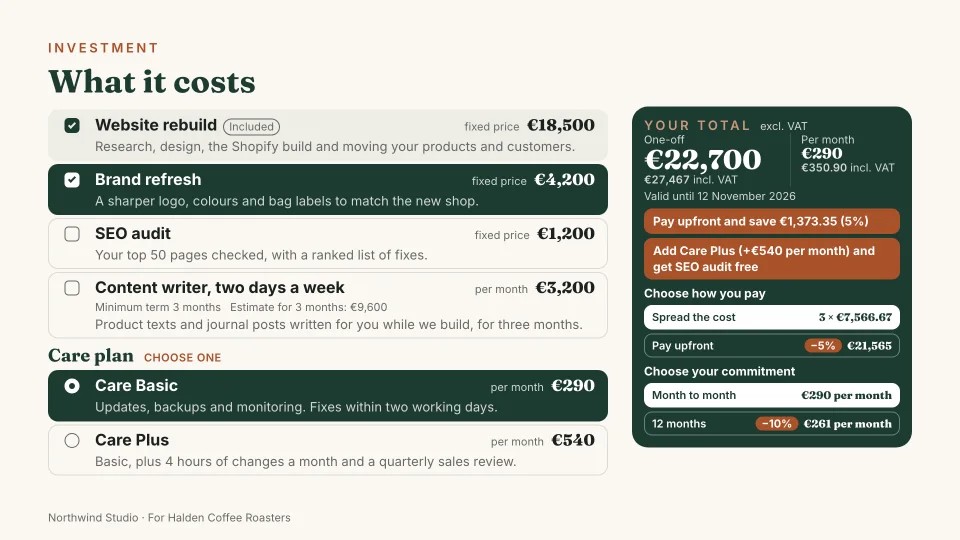
Pick the slides and prices for this client. In the deck they tick extras, pick a plan and set the quantities you allow, and the total updates as they go.
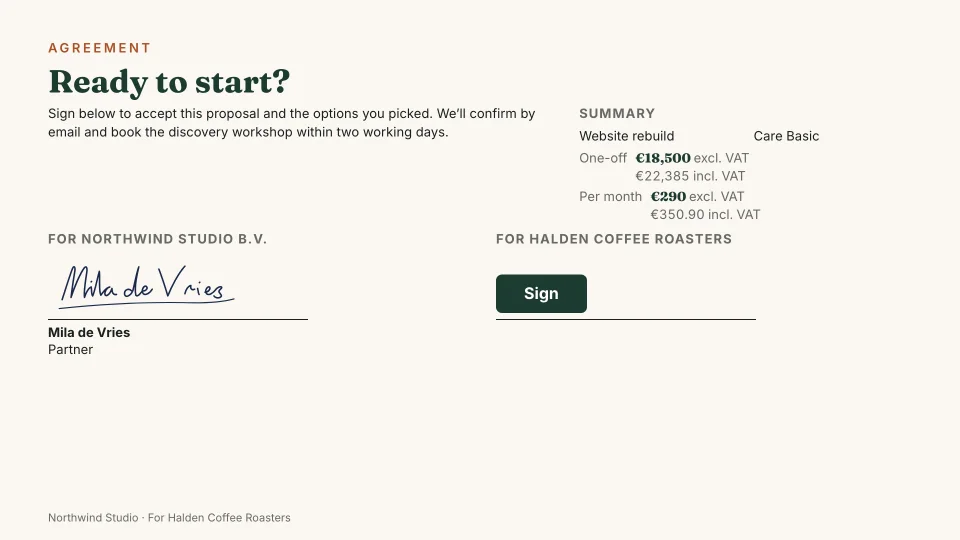
Send a link, with your terms attached as a PDF if you like. Your client confirms their choices and signs in the deck, and both sides get a PDF.
See when the deck is opened and how long each slide is read, so you follow up at the right moment. If nothing happens, Propozit sends a reminder.
Live demo
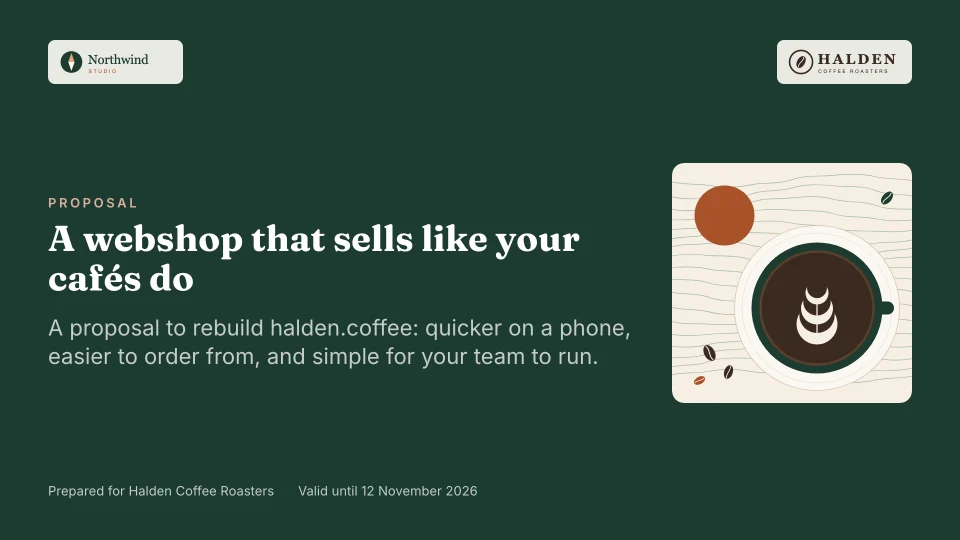
A proposal from Northwind Studio, a small web studio, to Halden Coffee Roasters. It's the same renderer your clients will see, running right here.
Loading the live deck…
Slide 1 / 11
Loading…Slide library
Each type is made for one job and fits its content to a 16:9 page in your fonts and colours. On a phone, the same deck becomes an easy scroll.
11 types in the live demo
In the live demoAll 20 types in the deck editor
AvailableThe cases slide, with your case library
AvailableWho it's for
Pitch like a studio, without the evenings in a slide editor.
Every proposal on brand and priced the same, whoever sends it.
FAQ
In the EU. The database and sign-in run on Supabase in Frankfurt, and AWS hosts the app in Frankfurt too. For now, the AI features send what they need to Anthropic, which processes it in the United States; the privacy page says what. Client decks load their fonts from Propozit itself, with no third-party trackers, as the live demo already does.
Plans are per organization, with seats included. The pricing page shows the prices and what each plan includes.
Old proposals aren't imported. Setup from your website brings over your brand, company details, prices, cases and team, and you check each item first. A price list or client list can come in as a CSV file.
No. Pick the type of work, such as a fixed package, a project, a retainer or an audit, and answer a few short steps. The deck builds itself from your price list and your own standards, and you can do it on your phone.
The live demo is in English. In the deck editor a deck can be in English, Dutch, French or German: built-in labels such as totals, dates and the agreement follow the deck language, and you write your own copy in it. The app itself is in English.
Yes, if you want it to. When a proposal is not opened, not signed, about to expire or not paid, Propozit emails your client a short reminder on your timing. It stops as soon as they act, and they can turn it off with one click.
It is a simple electronic signature: your client opens the deck with an email code, confirms, gives their name and role, and types or draws a signature. Both sides get a signed PDF, stored with its SHA-256 hash so any change to it shows.

From the founder
At We Do Dev Work, our agency in Bangkok, we made every proposal in Canva and Google Docs: copies of copies, prices updated by hand, in English, Dutch and Thai.
A proposal took us about half a day, and once it was sent we had no idea whether the client had even opened it.
Then a client signed a version with our old, cheaper rates. So we built the tool we were missing.
Vincent Trienpont Founder of Propozit · CEO of We Do Dev Work
Read the story behind PropozitCreate your account today and send your first proposal this week. It is free to start.
Free to start, with no card needed. We'll email you a code to sign in, so there is no password.