Features
Proposal slides that fit any content
Slide types made for each part of a proposal, from the cover to the signature. Each one measures its content and fits it to a 16:9 page, so a long scope or a big team never spills off the slide. The live demo shows 11 of the 19 types; all 19 are in the deck editor, the cases slide filled from your case library.
From the live demo
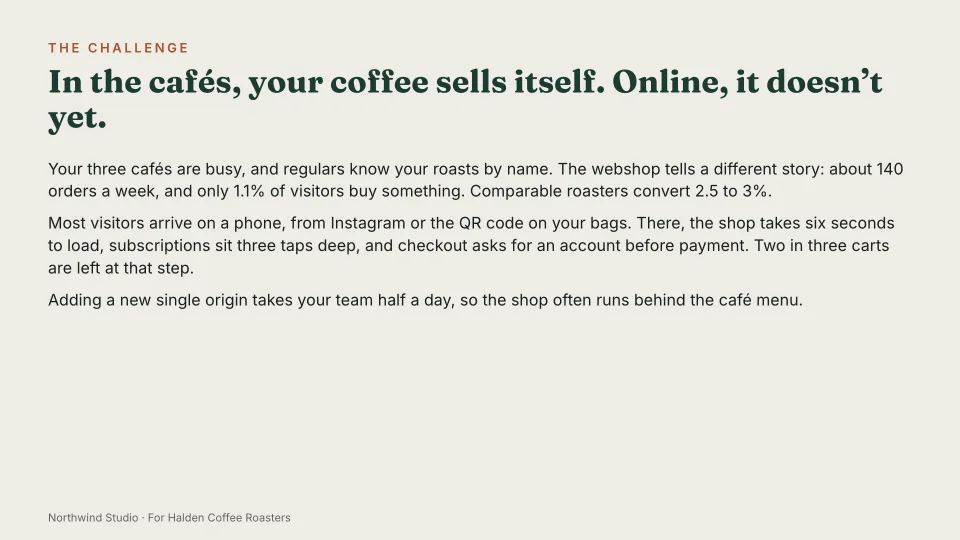
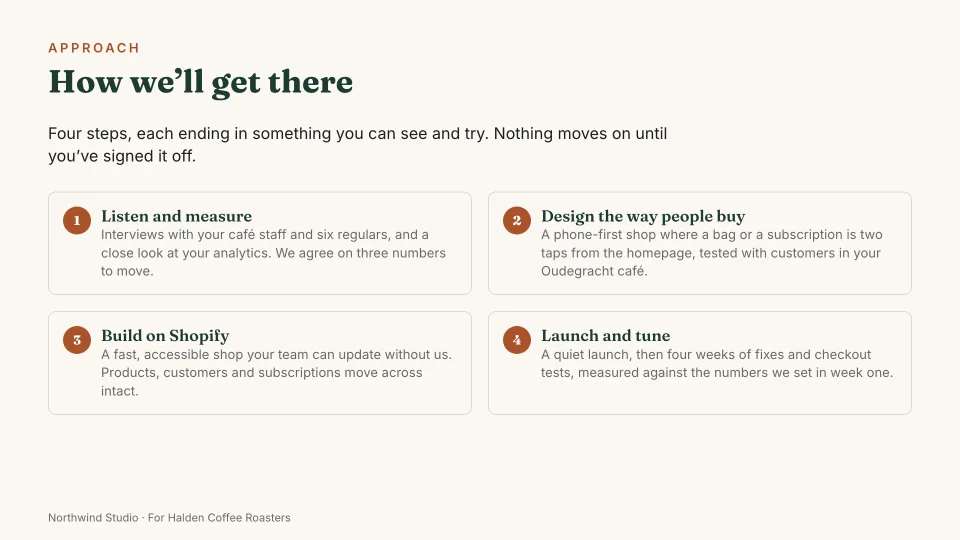
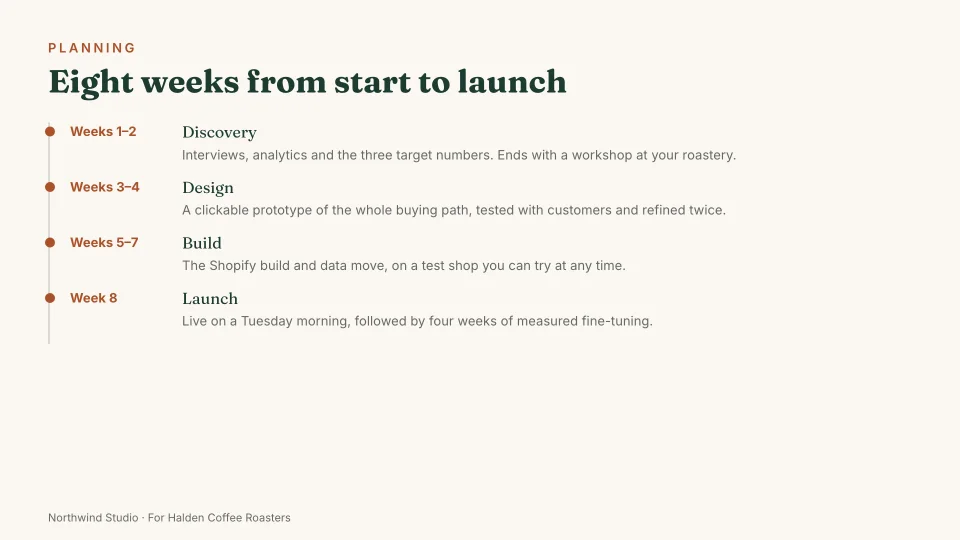
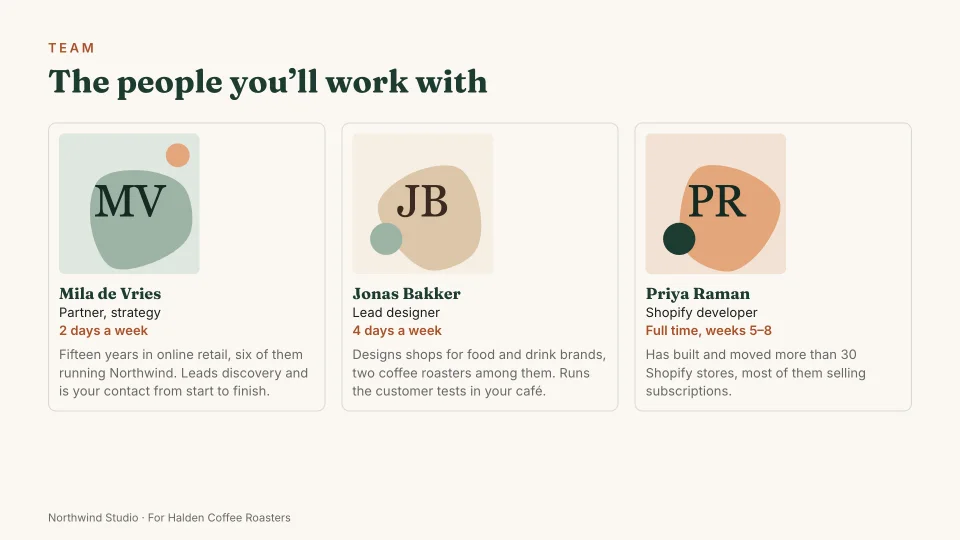
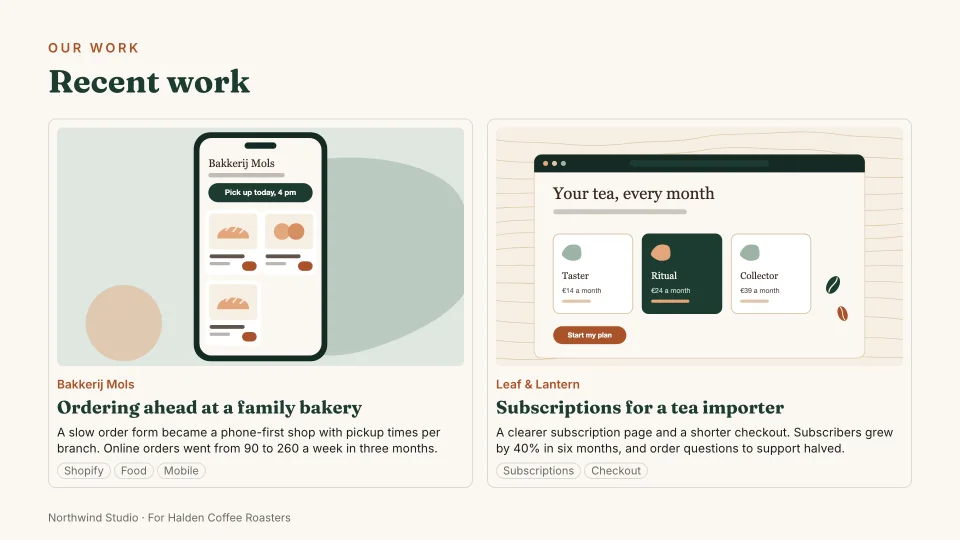
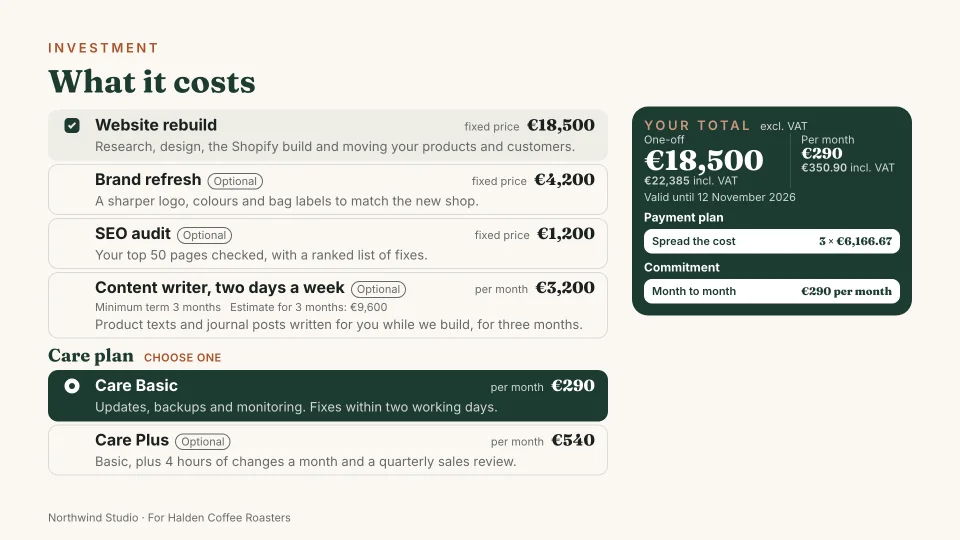
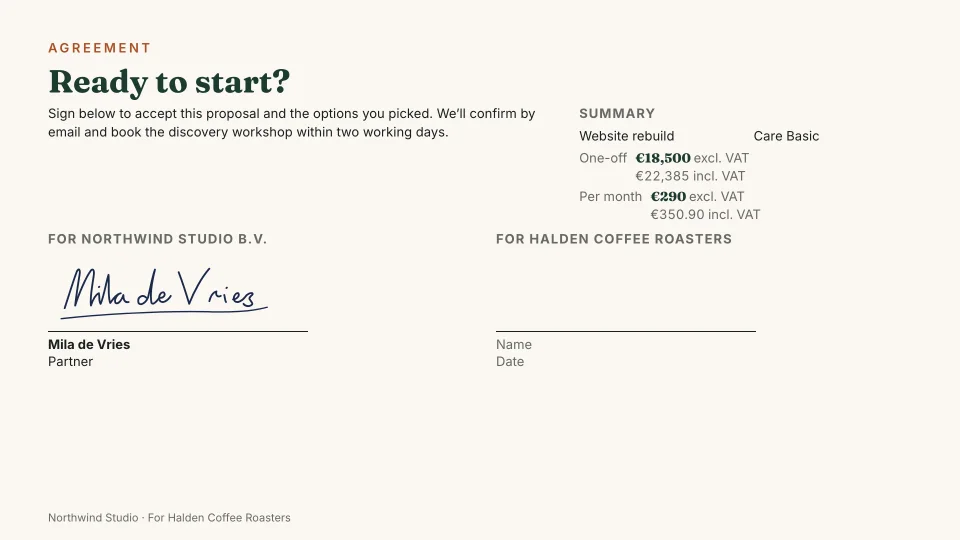
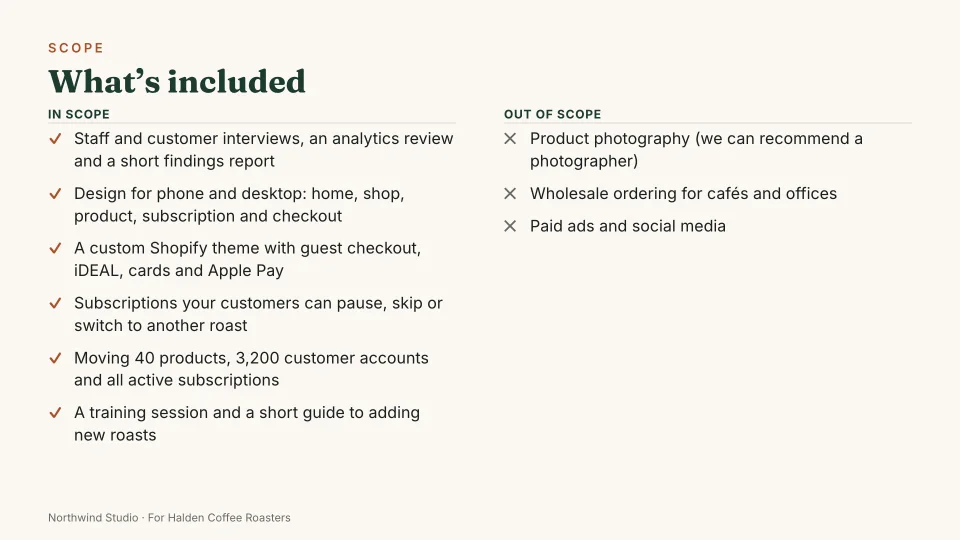
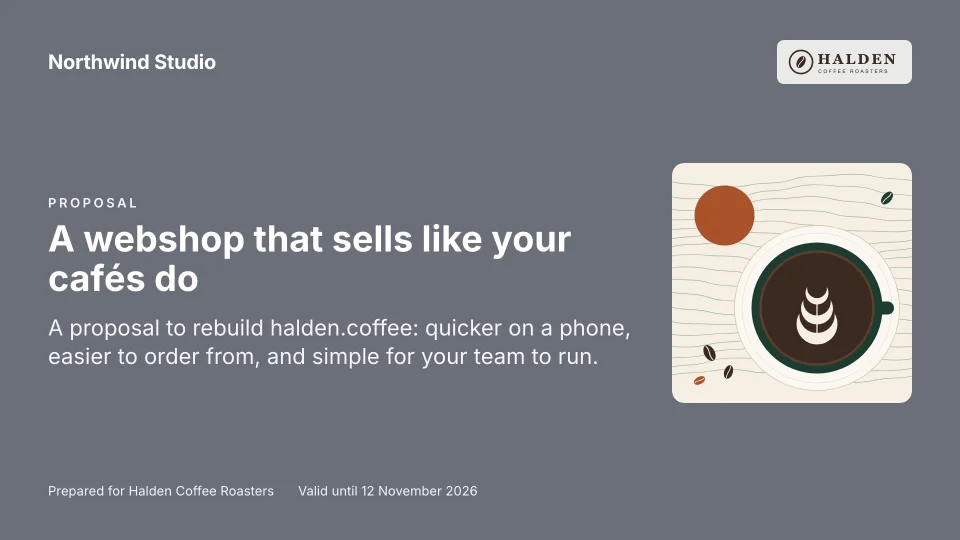
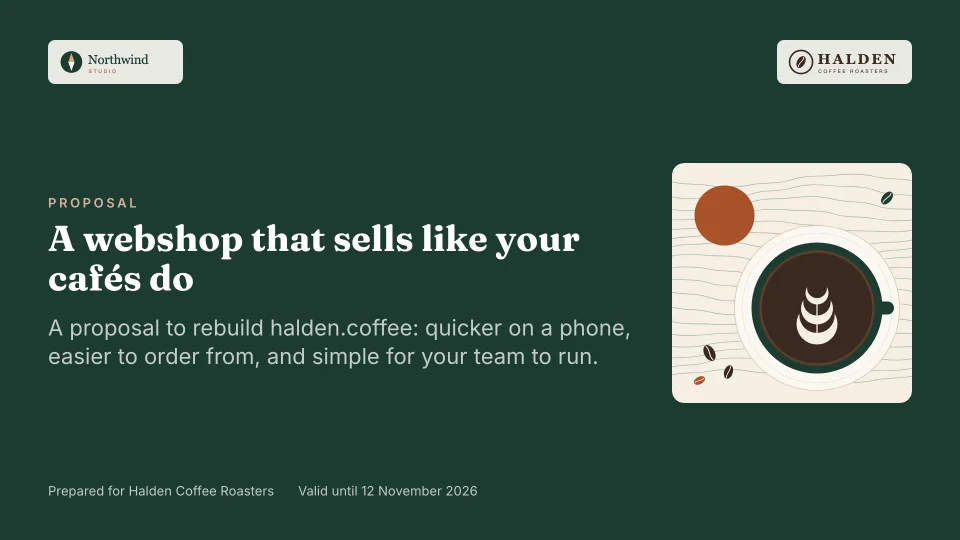
In the live demoNine slides from a proposal by Northwind Studio to Halden Coffee Roasters, rendered by the real renderer. Open the whole deck.
What the labels mean
- Available
- In Propozit accounts today.
- In the live demo
- Built and public in the live demo.
- Coming soon
- On the roadmap, not built yet.
A slide for every part of the pitch
Each type is made for one job, with its own layout and its own fields, so you fill in content rather than push boxes around. The live demo uses 11 of them: Cover, Challenge, Approach, Scope, Timeline, Team, Cases, Pricing, Payment schedule, Agreement, Thank you. In an account, all of them are in the deck editor.
The pricing, payment schedule and agreement slides are wired to the pricing engine, so the numbers on them are always the client’s current choices.
Eight more types, and layout variants
Not in the demo, but in the deck editor: Section, About, Logo wall, Testimonial, Tech, Text and image, Media, Terms. So are the layout variants several types have, such as a full-image or centred cover, a second timeline layout, or long and image-led case studies.
The cases slide, from your case library
Keep your cases in the library: a title, the client, a summary, the story in sections, the results, tags and up to 30 images. Pick them for the cases slide of any proposal, as short cards or long case studies. The proposal keeps its own copy, so editing a case later never changes a proposal you already sent.
Saved slides
Save a slide you use often, such as your team or your way of working, and insert it into the next proposal from Add slide. Saved slides keep their language, and the proposal’s own language comes first.
Layouts that read like a pitch
The challenge can open as a quote in your client’s own words. The about slide can show number tiles, the team slide can show roles (“2× Developer”) instead of names, the terms can carry a next-steps card with the date the offer is valid until, and the thank-you slide ends with your photo, phone and website.
Content that fits the page
Slide editors leave fitting to you: text that is too long overflows, or shrinks until nobody can read it. Propozit measures every slide after it renders and then tries, in order:
- a different layout, such as two columns instead of one, for slides like the challenge, approach or timeline;
- more pages, for lists that grow, such as scope, team, cases and pricing, titled “Scope (2/3)” and so on;
- a small scale-down, only when the content is at most 15% too long and the text stays readable.
Long text is split between sentences, never in the middle of one, and a continued page never starts with a lonely line. A slide that is nearly empty keeps its content centred instead of stuck to the top. With the demo’s content every slide fits on one page. In the deck editor you see this as you type: a slide that splits or scales says so in the slide list.
Your colours, fonts and logo
In brand settings you set a main, second, background and text colour, a heading font and a body font from eight well-made typefaces, and upload your logo. A live deck preview shows the result as you change it. Every deck you make starts from these settings.
Client decks load their fonts from Propozit itself, not from a third party, as the live demo does, so opening a proposal tells nobody else about your client.
An easy scroll on a phone
Many clients open a proposal on their phone first. On a small screen a 16:9 slide would be too small to read, so the same deck becomes one column of sections, with readable text and controls you can tap. The pricing still works: options, plans and totals are all there. Nothing to set up and nothing to export.
Four deck languages
The demo is in English. In the deck editor a deck can be in English, Dutch, French or German. Built-in labels such as totals, dates, payment terms and the agreement follow the deck language, and you write your own copy in it. The app itself is in English.
Related
Proposals your clients actually say yes to
Propozit is free to start, with no card needed. Create your account today and see the plans on the pricing page.